

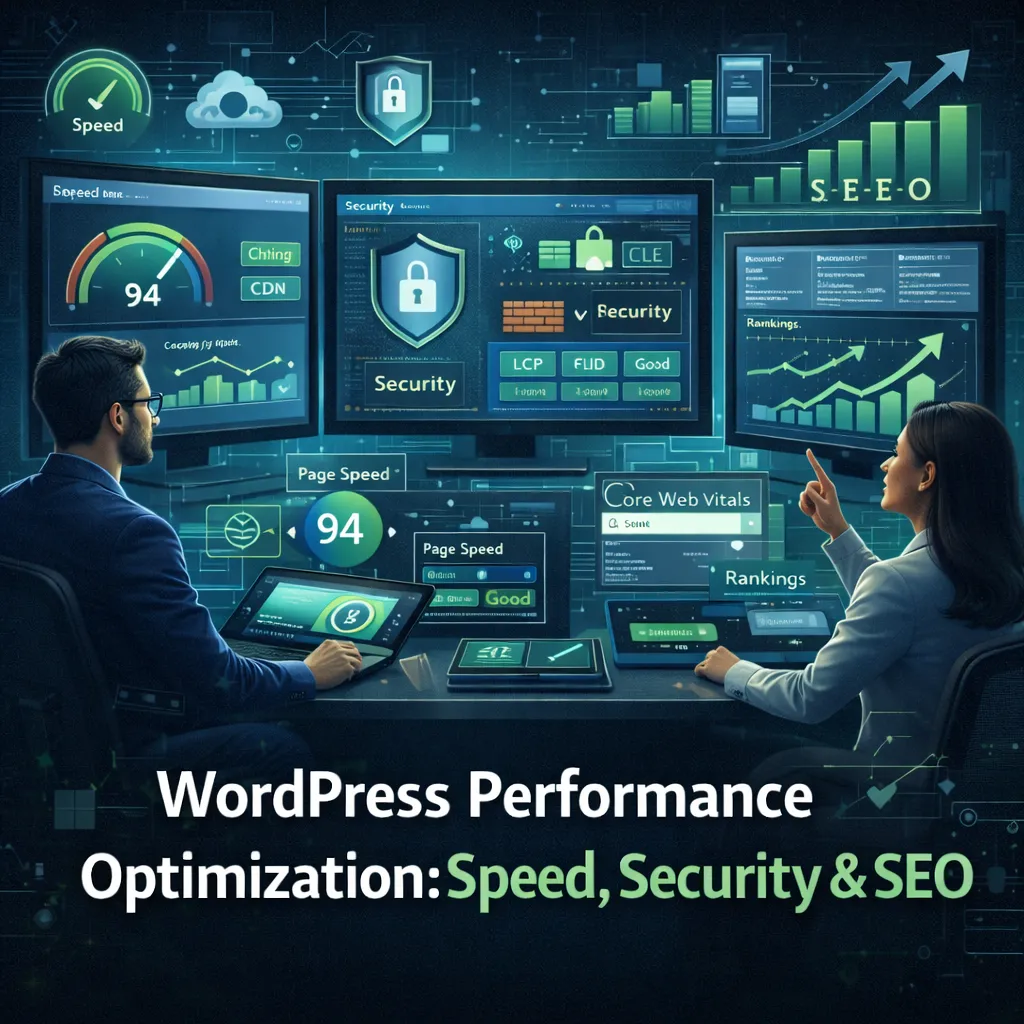
WordPress Performance Optimization: Speed, Security & SEO
WordPress is one of the most powerful and flexible content management systems in the world, but out of the box it is not optimized for high performance. As websites grow, performance issues often appear quietly: pages load slower, search rankings drop, security warnings appear, and conversions decline. This is why understanding WordPress Performance Optimization: Speed, Security & SEO is essential for any business that relies on WordPress for leads, sales, or content marketing.
Performance optimization is not about one plugin or one setting. It is about building a fast, secure, and search-friendly system where speed, security, and SEO reinforce each other. In this guide, you will learn a practical, production-ready approach to optimizing WordPress so it loads faster, ranks better, and stays secure as traffic grows.
Why WordPress Performance Matters More Than Ever
Performance directly impacts business results. Slow websites lose users, rankings, and revenue.
- User experience: visitors expect pages to load quickly
- SEO: Google uses performance metrics as ranking signals
- Security: bloated and outdated sites are easier to attack
- Conversions: faster pages consistently convert better
Optimizing WordPress is not just a technical task. It is a growth strategy.
Understanding the WordPress Performance Stack
Before optimizing, it helps to understand where performance issues usually come from.
- Hosting and server configuration
- PHP version and execution
- Database queries and bloat
- Themes and page builders
- Plugins and third-party scripts
- Images, CSS, and JavaScript
Fixing performance means addressing each layer systematically instead of guessing.
Step 1: Choose the Right Hosting Environment
No amount of optimization can fully fix poor hosting.
What good WordPress hosting includes
- Modern PHP versions with OPcache enabled
- Fast SSD or NVMe storage
- Server-side caching
- HTTP/2 or HTTP/3 support
- Isolated resources (not overcrowded shared hosting)
Managed WordPress hosting or a well-configured VPS often provides the best balance of speed and control.
Step 2: Use a Lightweight, Well-Coded Theme
The theme sets the foundation for performance.
Characteristics of a performance-friendly theme
- Minimal dependencies
- No unnecessary animations or scripts
- Clean HTML structure
- Compatibility with caching and optimization tools
Heavy multipurpose themes often include features you never use, which slows every page.
Step 3: Control Plugins Ruthlessly
Plugins are the most common cause of WordPress performance problems.
Plugin optimization best practices
- Remove plugins you do not actively use
- Avoid plugins that duplicate functionality
- Choose plugins with active maintenance
- Replace multiple plugins with custom code when appropriate
Fewer plugins usually mean fewer conflicts, fewer security risks, and better performance.
Step 4: Enable Caching at Multiple Levels
Caching reduces the amount of work WordPress does per request.
Important caching layers
- Page caching: serves static HTML instead of running PHP
- Object caching: stores repeated query results
- Browser caching: reuses assets on repeat visits
Using a combination of server-level caching and application-level caching produces the best results.
Step 5: Optimize Images and Media
Images are often the largest contributors to page weight.
Image optimization techniques
- Resize images to actual display size
- Compress images without visible quality loss
- Use modern formats where supported
- Lazy-load images below the fold
Media optimization alone can dramatically improve load times.
Step 6: Minify and Defer CSS and JavaScript
CSS and JavaScript can block rendering if not handled properly.
Best practices
- Minify CSS and JavaScript files
- Combine files where it makes sense
- Defer non-critical scripts
- Load scripts asynchronously when possible
The goal is faster first paint and smoother interaction.
Step 7: Database Optimization for WordPress
Over time, WordPress databases collect unnecessary data.
Common sources of database bloat
- Post revisions
- Spam and trashed comments
- Expired transients
- Orphaned metadata
Regular cleanup and proper indexing keep queries fast and predictable.
How Security Impacts WordPress Performance
Security and performance are closely connected.
Why insecure sites become slow
- Malware consumes server resources
- Spam traffic increases load
- Blacklist warnings reduce trust and traffic
A secure site is usually a faster and more stable site.
Essential WordPress Security Practices
Core security steps
- Keep WordPress core, themes, and plugins updated
- Use strong passwords and role-based access
- Enable HTTPS everywhere
- Limit login attempts
- Disable unnecessary admin features
Security should be proactive, not reactive.
How Performance Optimization Improves SEO
Search engines reward fast, reliable websites.
SEO benefits of performance optimization
- Improved Core Web Vitals
- Lower bounce rates
- Better crawl efficiency
- Higher engagement metrics
Technical SEO and performance optimization go hand in hand.
Core Web Vitals and WordPress
Core Web Vitals measure real user experience.
- LCP: how fast main content loads
- INP: responsiveness to user input
- CLS: layout stability
Optimizing images, scripts, and layout directly improves these metrics.
Using a CDN for Global Performance
A content delivery network (CDN) serves assets from locations closer to users.
CDN benefits
- Lower latency worldwide
- Reduced server load
- Improved reliability during traffic spikes
For global audiences, a CDN is one of the highest-impact optimizations.
Monitoring and Maintaining Performance
Performance optimization is not a one-time task.
Ongoing maintenance includes
- Monitoring page speed and errors
- Reviewing plugin additions
- Cleaning the database regularly
- Updating software safely
Regular audits prevent slowdowns before they affect users.
Common WordPress Performance Mistakes
- Installing too many plugins
- Using heavy page builders unnecessarily
- Ignoring hosting quality
- Skipping updates due to fear of breakage
- Optimizing without measuring
FAQ: WordPress Performance Optimization
1) Can plugins alone make WordPress fast?
Plugins help, but hosting, theme quality, and configuration matter just as much.
2) Does security really affect performance?
Yes. Malware and abuse can significantly slow sites.
3) How often should I optimize my database?
Light cleanup monthly is usually enough for most sites.
4) Are page builders always bad for performance?
No, but they often add overhead. Use them carefully.
5) Do Core Web Vitals really affect SEO?
Yes. They are ranking signals and impact user experience.
6) Is a CDN necessary for small sites?
Not always, but it can still improve reliability and speed.
Conclusion: Optimize WordPress as a System
WordPress Performance Optimization: Speed, Security & SEO is about balance. Speed improves SEO. Security protects performance. SEO rewards stability and usability.
When WordPress is optimized as a system rather than a collection of plugins, it becomes fast, resilient, and scalable. For businesses that depend on their website, this optimization is not optional—it is foundational.
For additional guidance on performance and user experience best practices, visit https://web.dev/.